
What to check
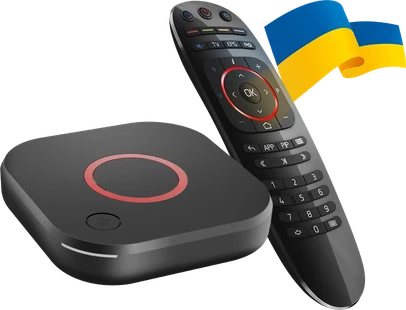
- Read the model label and record the software build. Find the documented connectivity and supported setup for that exact device. Ask which account type the service issues and whether it can be activated on the model.
- If a device identifier is needed for a permitted account, send it only to the provider's private channel. Ask how the provider would transfer the account if the box is replaced.
- Test a legal reference where possible, then check the actual service before changing portal or network settings. Preserve the mapping privately if an approved support technician needs it later.