
What to check
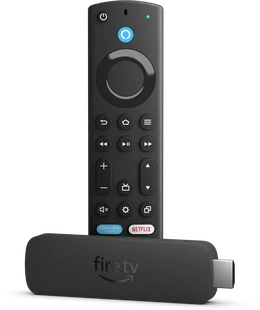
- Find the specific Fire TV Stick generation in device settings or Amazon's specifications, then search for the developer's player in your Amazon Appstore region. An older device and a newer device can have different software and app support despite similar names.
- Establish which service login the app can use and whether the issuer charges for a separate app licence. Open an authorised reference stream before adding optional player settings.
- Use the television output settings and the app's diagnostics if a 4K label does not match playback. Check the stick's power supply, HDMI connection and wireless conditions before blaming the subscription.